 FitPulse
AI meal scans you can edit.
A meal photo becomes a logged estimate. Check the result and adjust it to match what you ate.
Made for iPhone
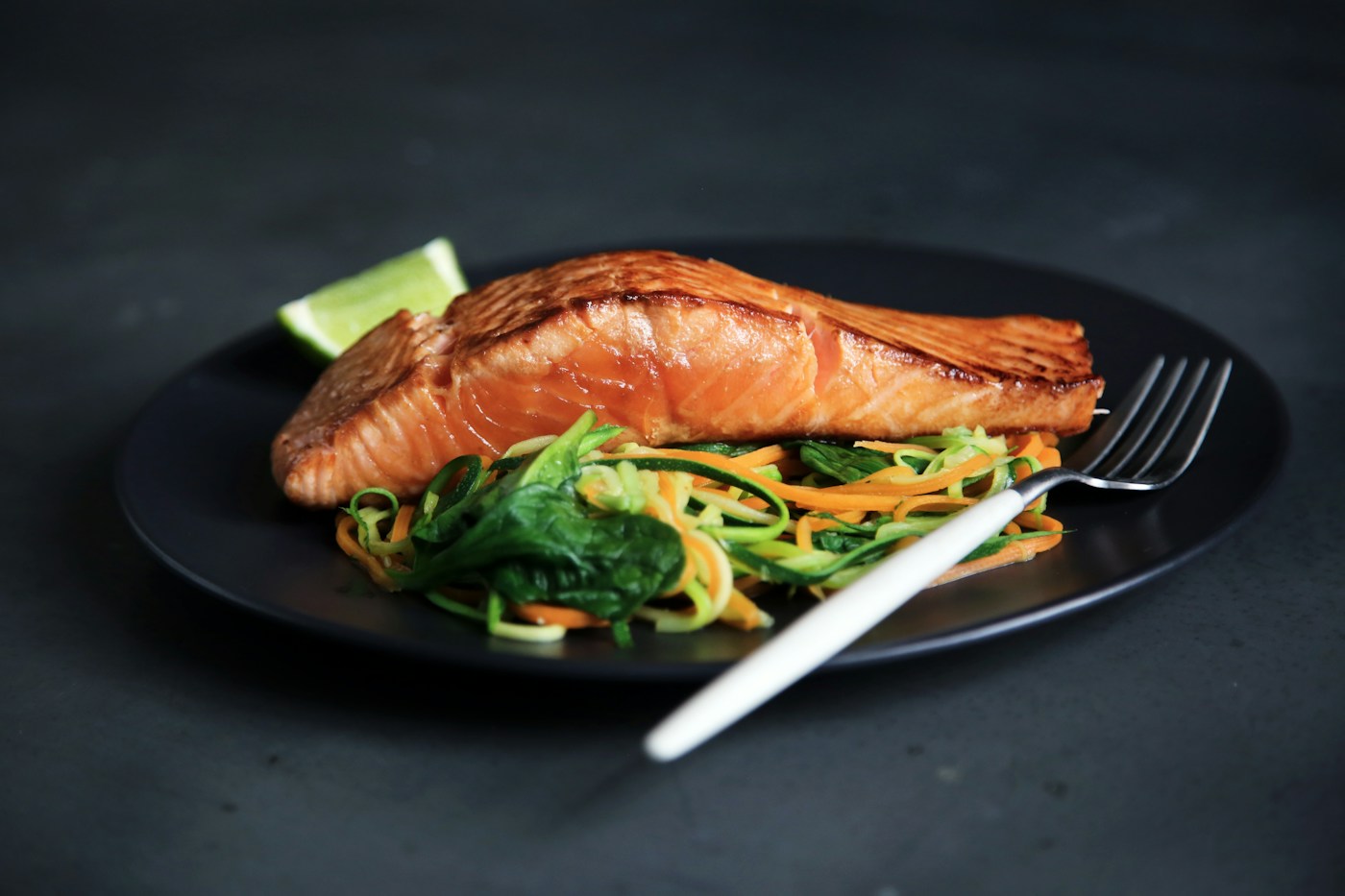
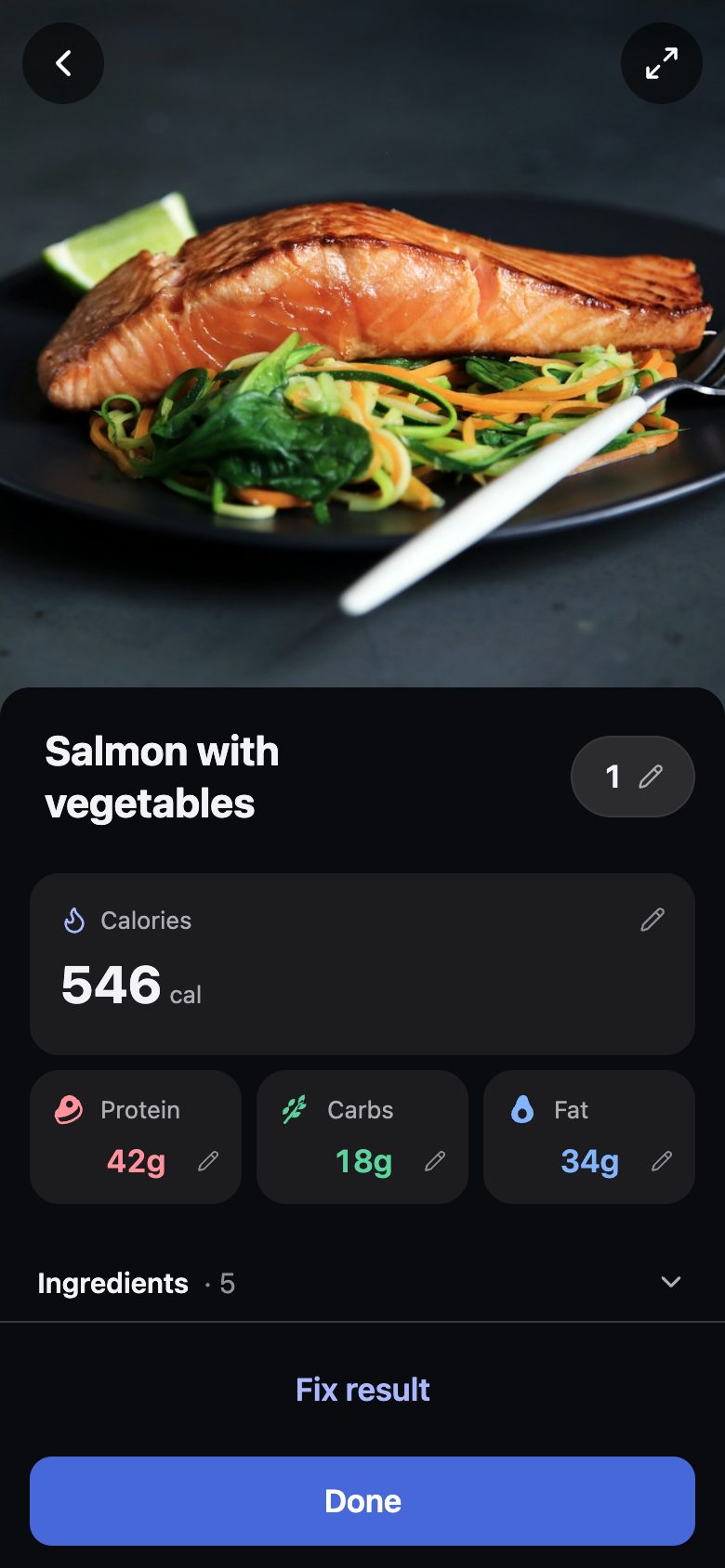
Meal scanning
A photo. A starting point.
Scan a meal, then review the estimated calories, macros and ingredients. Edit what needs changing.
Take or choose a meal photo.
Start a meal scan and capture your food, or select a photo. AI estimates the visible ingredients and portions.
Review the logged result.
The scan logs your meal automatically. Open the result to review the calories, protein, carbs, fat and ingredients.
Change the details.
Edit ingredients, amounts or totals. For an eligible photo scan, use Fix result to explain what the estimate missed.
App example · Translated sample data. Check the App Store for current app language support.
An estimate, not a measurement.
A photo cannot show every hidden ingredient, cooking oil or exact portion weight. Review the result; use a label or weighed amounts when precision matters.
A photo is one way to log.
Food search, barcode lookup and manual logging stay free. You can keep your diary without using an AI scan.
Guides
Make an informed choice.
Straightforward guides to tracking food, choosing a workout app and finding what works for you.
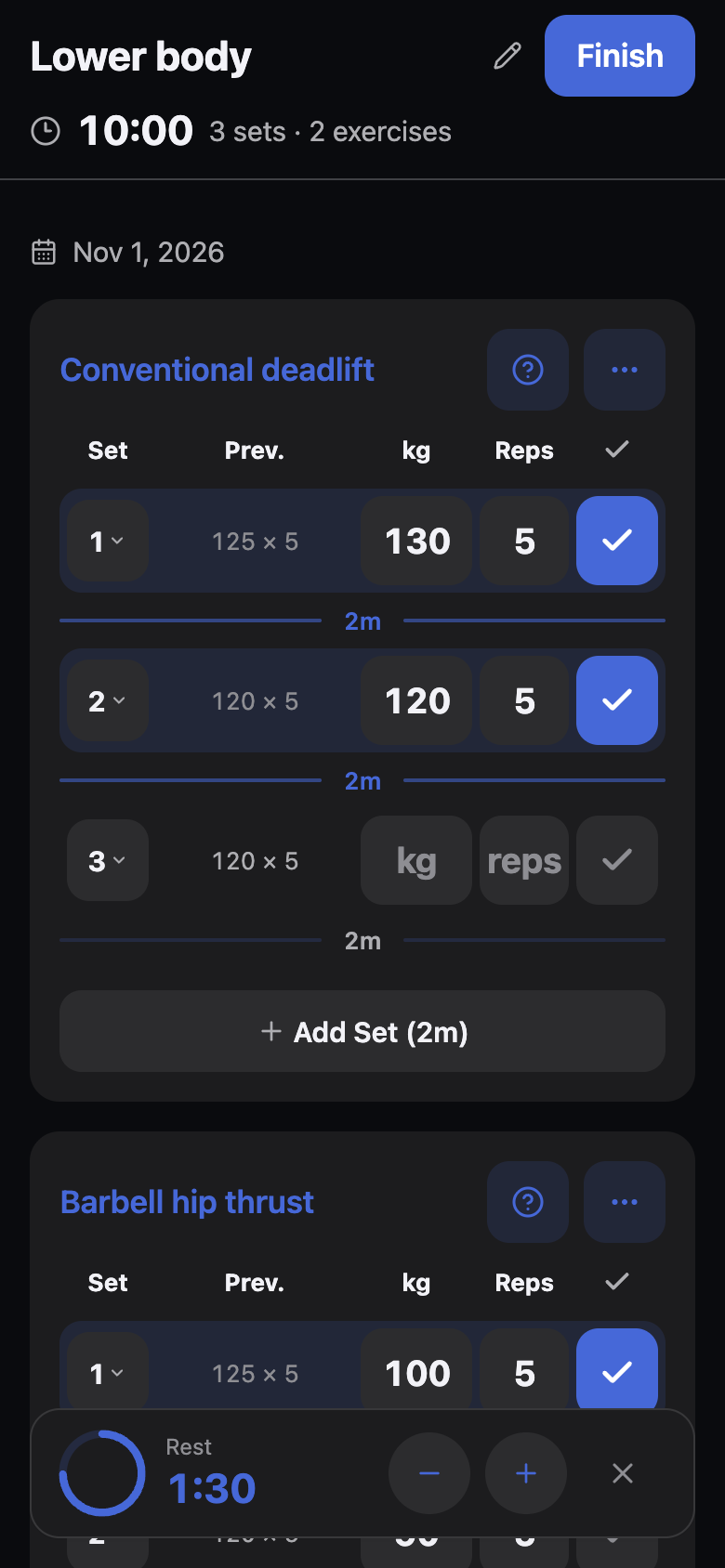
Your choices stay yours.
Health access is optional. AI features use your consent. Read the privacy policy for how FitPulse handles your data.